
Edit video ads by asking.
A real timeline editor with an AI editor inside it. Ask for the cut, the captions or a motion graphic — it works on the timeline you can see, and every change stays editable.
Point it at a video ad. It watches it.
Not the transcript — the actual frames and audio. You get a blueprint of the ad you want to learn from: what it does second by second, and why.
- The hook, then every scene with its timecode and on-screen text
- The job each beat does — hook, agitate, mechanism, proof, CTA
- Every claim the ad makes, and whatever it shows to back it up
- Analysed once, on your own AI key — the blueprint is kept to work from
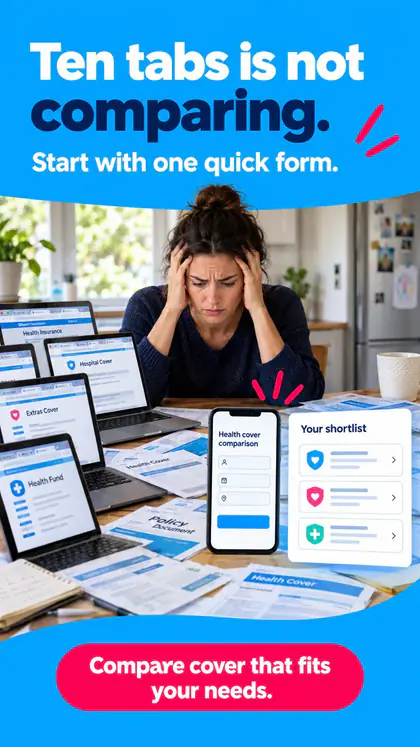
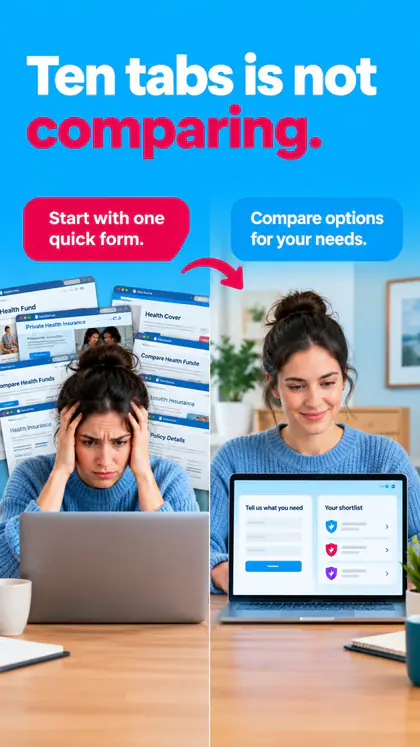
Hook · 0:00–0:02
“Ten tabs open and I still don’t know if I’m overpaying.”
Talking head, handheld, caption burned in at the top third.
Scene by scene
- 0:00“Ten tabs open…”Hook — names the pain in their words
- 0:03“Still not sure you’re not overpaying?”Agitate — the doubt after the work
- 0:08One form. Two minutes.Mechanism — the simpler way
- 0:15Every quote, side by sideProof — shows the comparison
- 0:21Start with one quick formCTA
Claims and what backs them
- “Two minutes” — Form filled on screen, timer visible
- “Cheapest quote, guaranteed” — Nothing shown
Decide what holds. Change the rest.
Tell it how far the remake may travel — keep the structure, swap the product, the presenter or the market. It turns the blueprint into a plan you read before a single frame is paid for.
- How many clips the video model needs, and how long each one is
- Which keyframes to generate, and which can be reused from the source
- Frames staged on a storyboard you review and replace first
- Composed onto a Studio canvas: prompt, images, video — wired in order
- Analyse
- Plan
- Stage frames
- Compose
Holds
Structure, pacing, caption style
Changes
Product, presenter, market
Keyframes
2 clips · 8s each- @Image1Your presenter, kitchen tableGenerate
- @Image2Phone form close-upGenerate
- @Image3Quotes side by sideReuse
- @Image4End cardYou decide
The fiddly parts, done for you.
The AI editor works on the same timeline you do. Ask in plain words; check the result on the preview.
Captions from real timing
Word timing comes from ElevenLabs Scribe or OpenAI Whisper on your connected key — never guessed — so captions land on the word.
Motion graphics as layers
Describe a stat counter or a title card and it’s coded onto the timeline as one layer — text, colours and placement stay editable, and undo works.
Footage checked first
AI footage loves garbled lettering on phones and packaging. It samples the clip, flags the bad frames and shows where, before anything is designed over them.
Review, fix, re-render
It looks at frames from the finished render and leaves review notes against that exact version — then repairs the same edit and renders again.
New hook. Same edit.
When a cut works, fork it. A variation changes only the hook and keeps everything else, so you test the opening line — not a whole new ad.
- Forked from a finished edit in one ask
- Footage, captions and sources shared with the original
- Every edit tracked as a draft, rendering or rendered
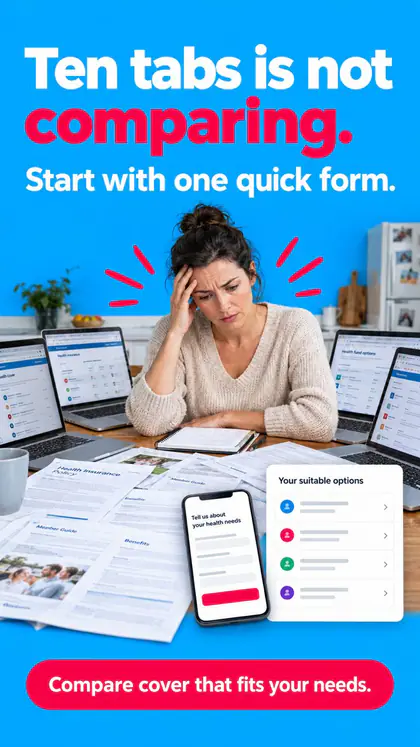
Ten tabs · original
“Ten tabs open and I still don’t know…”
RenderedNew hookTen tabs · variation A
“Comparing isn’t the same as choosing.”
Rendering New hook
Ten tabs · variation B
“I lost a Saturday to comparison sites.”
DraftEdit the ad. Not the software.
Lifetime access for the first 40 — one payment, no subscription. Bring your own AI credits; we cover the app.